Introduction to 3D printing
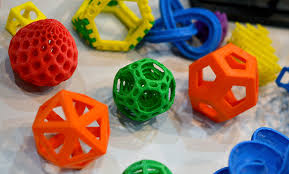
A 3D printer makes things from plastics. In a woodworking shop, it can be used to solve problems. Need a special bracket? Want a custom pocket hole jig? Can’t find the right knob or appliqué? This class is the on-ramp to using our 3D printer to provide solutions to workshop challenges.
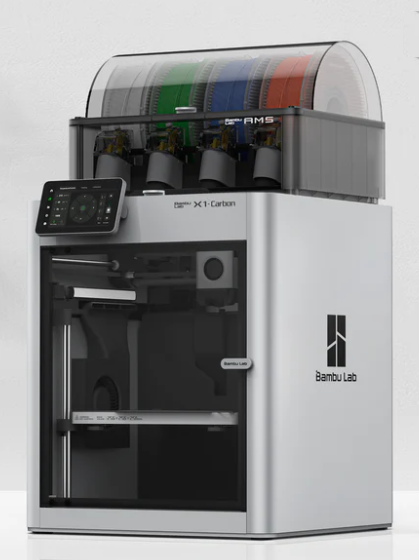
In this class, we learn to print standard (STL) objects. We begin by introducing you to our Bambu Carbon X1 3D printer. From there you’ll learn its basic operation. Next, you’ll be shown how to find printable designs from the huge inventory of free models on Thingiverse.com. Two hours after we start, you’ll feel comfortable with these incredibly useful resources.
We give you first-hand experience using the printer in class. Students will be able to take their 3D designs and run them independently through the 3D printer workflow using Bambu Suite software on the Shop 3D printer.
After the class, to earn your 3D Printer Shop certification, students who are also Shop members will receive a free Shop Slot to complete a small independent print project.
Level: Beginner
Prerequisites: Age > 18
Format: 1 session, 3 hours
Cost: $75
Note!! After class, students who are also Shop members will receive a free Shop Slot to quickly put to practice what they have learned.
Add your name to the class interest list.
Introduction to Laser Cutting
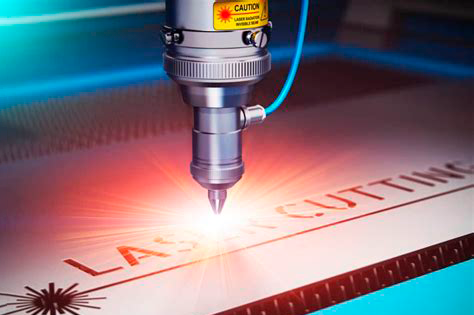
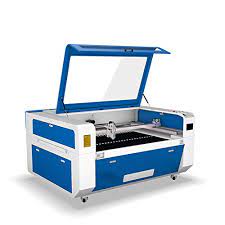
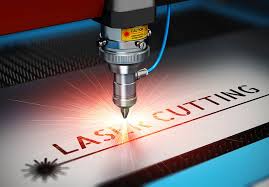
Description: A laser cutter is an amazing tool for cutting and etching wood with laser light. SDFWA has two large lasers at the Shop and with just a little training you can add them to your list of woodworking toolkit. Both are beauties with large beds (3’x2’ and 3’x4′), high power (100 and 130 Watts), and even a rotary attachment for etching on cylindrical objects (requires additional training). With these tools you can easily and precisely cut wood up to 1/2″ and etch any wood surface.
In this class you’ll learn the process for going from design-to-cutting/etching. Better still, you’ll practice the workflow several times and even produce your first custom project. The software you’ll use with our lasers is LightBurn. After the class, students who are also Shop members will receive a free Shop Slot to quickly put to practice what they have learned.
Level: Beginner
Prerequisites: Age > 18
Format: 1 session, 4 hours
Cost: $95
Note!! After class, students who are also Shop members will receive a free Shop Slot to quickly put to practice what they have learned.
Add your name to the class interest list.
Introduction to Lightburn
Description: A laser cutter is an amazing tool for cutting and etching wood. SDFWA has two primary lasers in the Shop and LightBurn is the software we teach to operate them. You’ll learn more about LightBurn’s design and control features as you navigate the menus, get familiar with the icons, and explore the forms in an interactive forum.
The LightBurn class has been rewritten for Lightburn 2.x. and will cover most basic functions and some advanced functions. By the end of class you will be able to take a jpg file and create an svg pattern ready for the laser.
Your experienced instructor will guide the discussion and you are encouraged to add your questions into the mix. Getting more out of LightBurn is key to unlocking the potential of the shop lasers or your own laser at home.
Level: Intermediate
Prerequisites: Age > 18
Format: 1 session, 4 hours
Cost: $95
Add your name to the class interest list.
Introduction to CNC
Description:
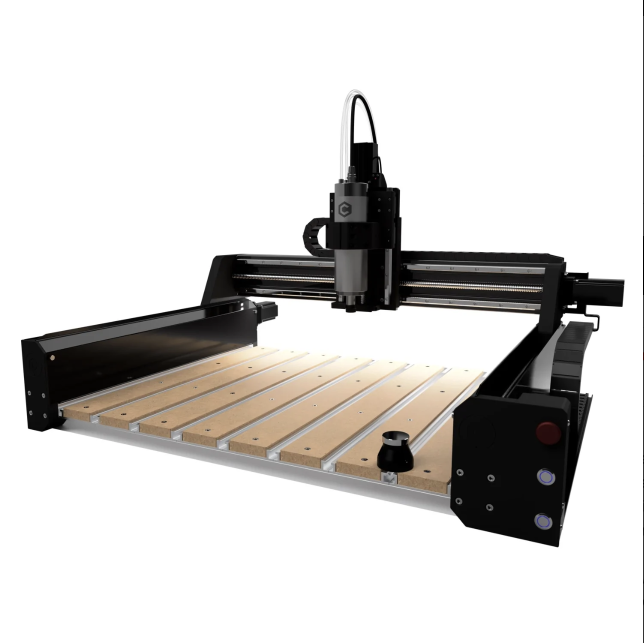
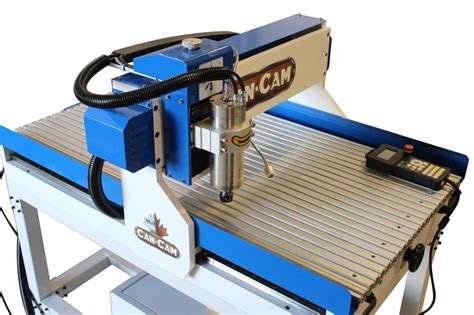
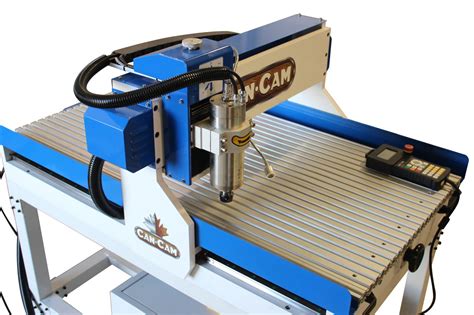
Using a computer to precisely control a router to cut and engrave wood is at the heart of CNC. The Shop has a Shapeoko Pro 5.1 which is capable of milling wood up to 48″ x 48″ and Shapeoko HDM CNC which is capable of milling wood up to 33″ x 33″ in size. This 2 session class will teach you how to design your projects and then to competently and safely use the CNCs with your woodworking projects.
You will receive a copy of Carbide Create (Windows or Mac). This license is compatible only with Carbide Motion (CAM) software. Students must bring their own laptop, mouse and a USB drive to each class.
You will use the CNC from the very first session and by the end you will have completed four projects.
Level: Beginner
Prerequisites: Age > 18
Format: 2 session, each 4 hours
Cost: $175
Projects you will make: 4 CNC objects.
Note!! After class, students who are also Shop members will receive a free Shop Slot to quickly put to practice what they have learned.
Add your name to the class interest list.
VCarve Pro for CNC
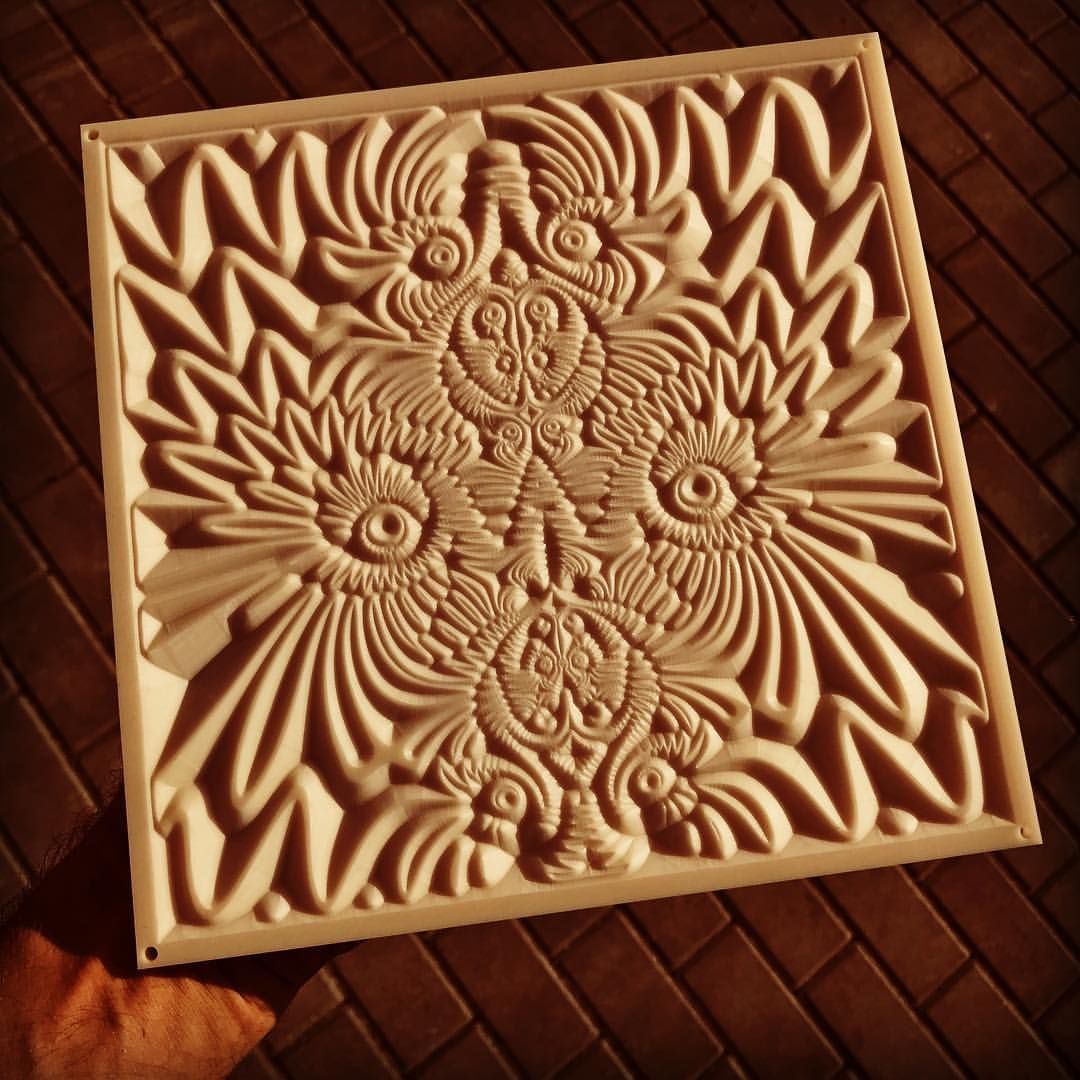
Description: This 2 session course is designed for individuals who have taken Introduction to CNC and want to learn VCarve Pro. You will learn to use VCarve Pro CNC software to design three projects and to generate the toolpath code to cut them on a CNC. You will then apply what you’ve learned by performing one comprehensive cut in class. You will break out of 2D design and enter into the 3D world of CNC carving.
You will receive a license to Vectric’s VCarve Pro Makerspace (Windows-only). This license is only for use in conjunction with the SDFWA Member Shop CNCs. Students must bring their own Windows based laptop, mouse and a USB drive to each class.
Level: Intermediate
Prerequisites: Introduction to CNC
Class Schedule: Two 4-hour classroom/shop sessions
Cost: $175
Add your name to the class interest list.
Shaper Origin
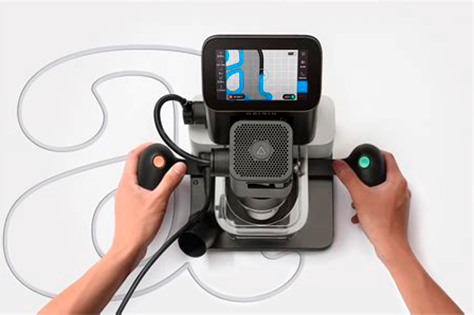
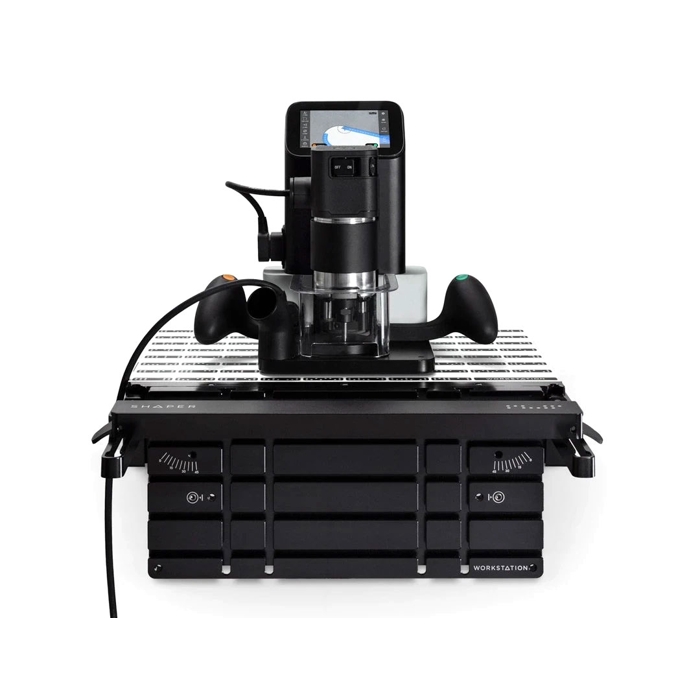
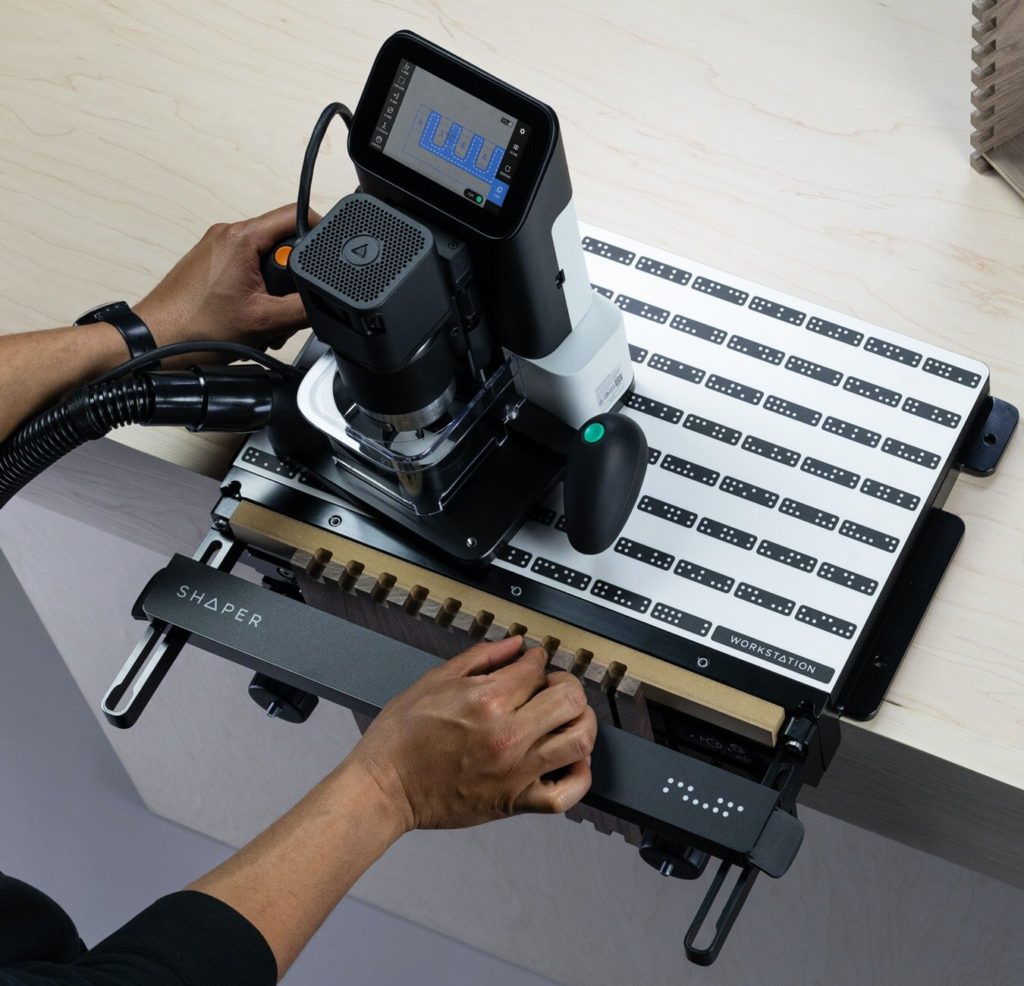
Description: Our hand-held CNC and its accompanying workholding accessory together are called the Shaper Origin and Workstation. It’s a precision computer-controlled router that is exceptional for 2.5D CNC, compelling joinery, and precision hardware cut outs. Using your designs or those from the ShaperHub you can CNC just about anywhere there’s a power outlet.
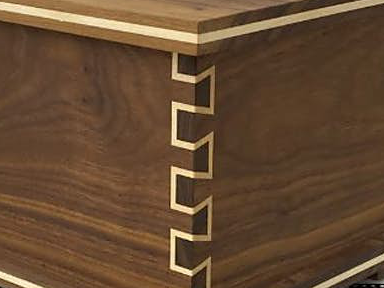
In this class we introduce the safe use of this marvelous tool. This is a hands-on course in which you’ll learn the Origin’s basic workflow, design precise shapes to produce a mortise and tenon, and perform all the Origin’s basic cuts. The class will result in certification to use the tool as a Shop member.
Level: Intermediate
Prerequisites: Age > 18;
Format: 1 session, 4 hours
Cost: $125
Add your name to the class interest list.
Introduction to Rotary Engraving
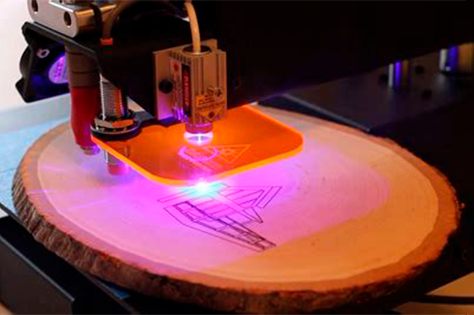
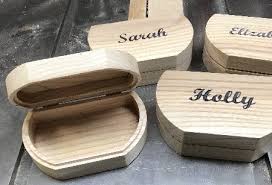
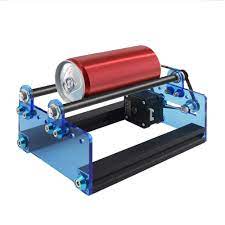
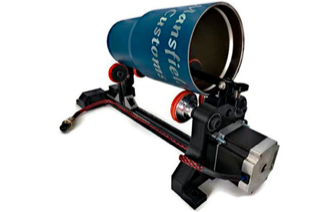
Description: With our introductory class you learn to use the laser on flat stock; in this class you learn to engrave on cylindrical stock. Using our rotary attachment you’ll be able to etch on glasses, bats, mugs, and more. This class certifies you to safely use this new laser accessory.
Building on your prior laser knowledge you’ll learn how to: 1) set up the laser for rotary etching, 2) safely mount the rotary accessory on the machine bed, 3) align the device to the X-axis, 4) properly mount your stock, 5) safely focus the laser, 6) prepare your design in Lightburn 7) execute the job and 8) correctly reset the laser for flat stock. The fundamentals of laser etching don’t change but to correctly use our rotary and to get good results requires special training.
Level: Intermediate
Prerequisites: Age > 18; Laser Re-Certified
Format: 1 session, 1.5 hours
Cost: $45
Add your name to the class interest list.
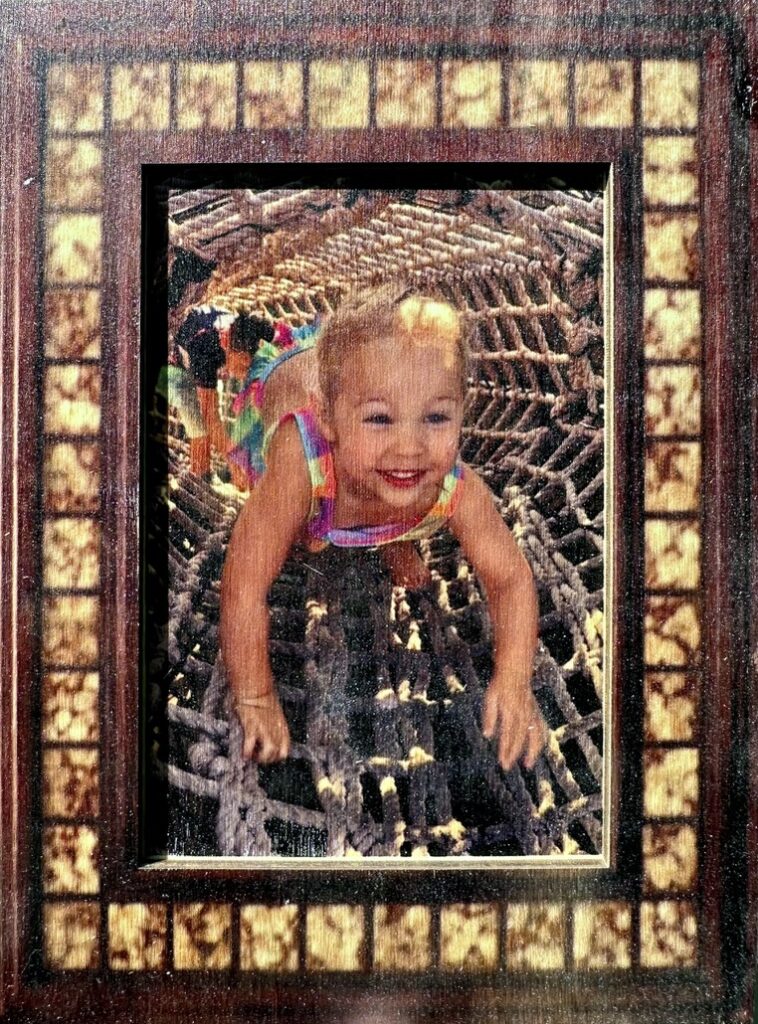
Dye Sublimation into Wood
Level: Beginner
Prerequisites: Age > 18;
Format: 1 session, 2 hours
Cost: $75
Add your name to the class interest list.
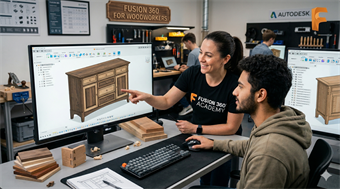
Introduction to Fusion 360
Level: Beginner
Prerequisites: Age > 18;
Format: 2 sessions, 4 hours each
Cost: $100
Add your name to the class interest list.
Laser Cutting Refresher
Class Description: You took Intro to Laser Cutting and can’t remember what you learned. Refresh your knowledge and your confidence by taking this quick refresher class.
Cost: $25
Membership Requirements: SDFWA
Class Schedule: One 1/2-hour session
Add your name to the Interest List
CNC Refresher
Class Description: You took Intro to CNC and can’t remember what you learned. Refresh your knowledge and your confidence by taking this quick refresher class.
Level: Beginner
Prerequisites: Age > 18; Introduction to CNC
Format: 1 session, 4 hours
Cost: $75 and $50 SDFWA Membership
Add your name to the Interest List